Most rostering tools are designed for hospitals, restaurants, or warehouses. They assume paid shifts, clock-in times, and HR departments. That is not how a church works. You have ministry teams, Sunday services, and volunteers who serve because they want to, not because they are on a payroll.
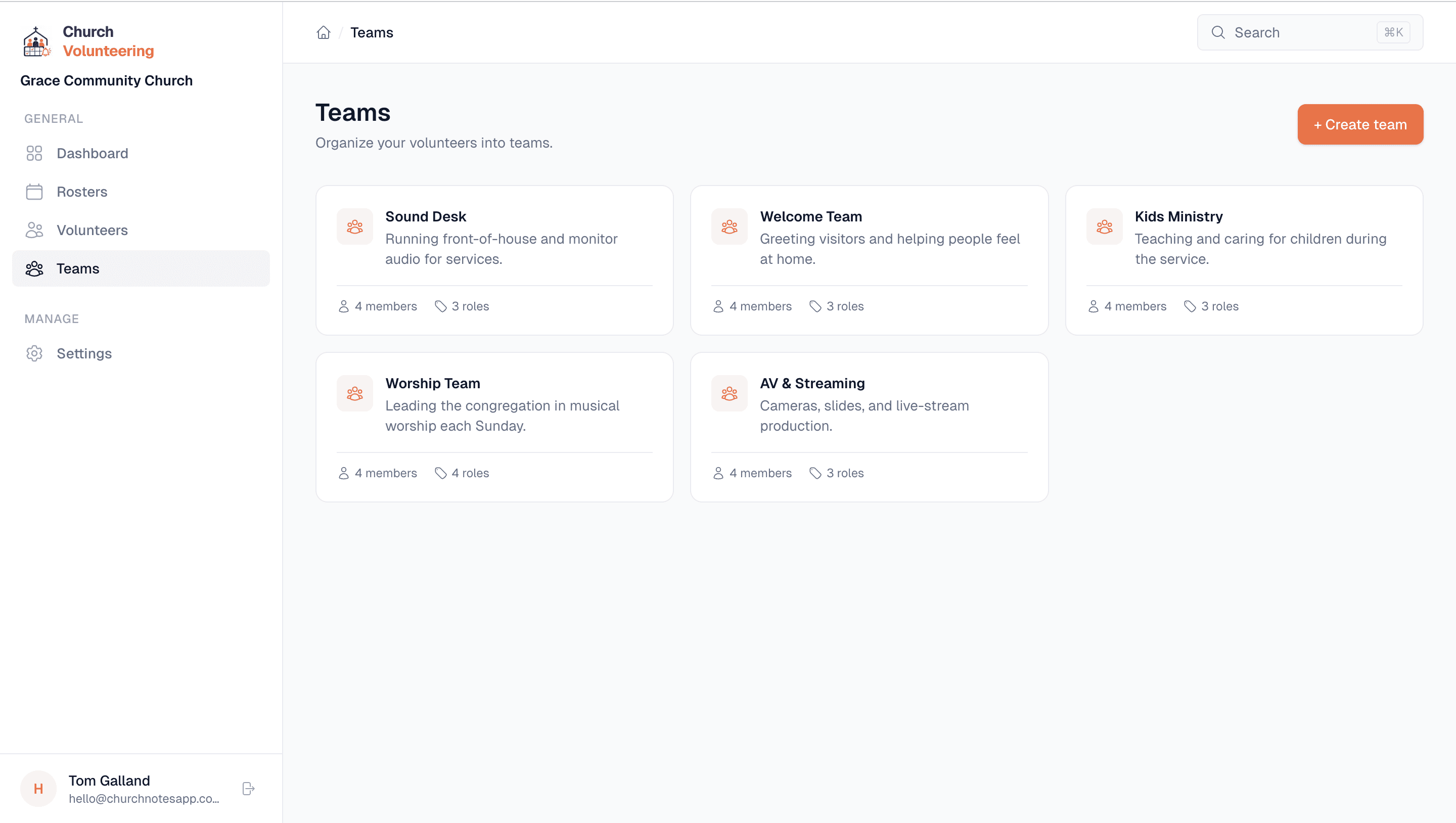
Church Volunteering is built around that reality. Teams like Sound Desk, Welcome Team, and Kids Ministry. Roles like FOH Engineer, Door Greeter, and Team Leader. Dates that revolve around services, not shifts. It speaks your language because it was built for your context.
Someone in your church, usually one person, is responsible for making sure every team has the right people on the right Sunday. That person is probably using a combination of WhatsApp groups, a Google Sheet they made two years ago, and their own memory.
It works, mostly. Until someone forgets they are rostered. Or someone is away and nobody updated the spreadsheet. Or the coordinator goes on holiday and nobody else knows how the system works because the system is just that one person.
Church Volunteering gives that person a proper tool. Not a complicated one. Not one that takes a week to set up. Just a simple app where you add your volunteers, create your teams, build your rosters, and let the system handle the reminders.
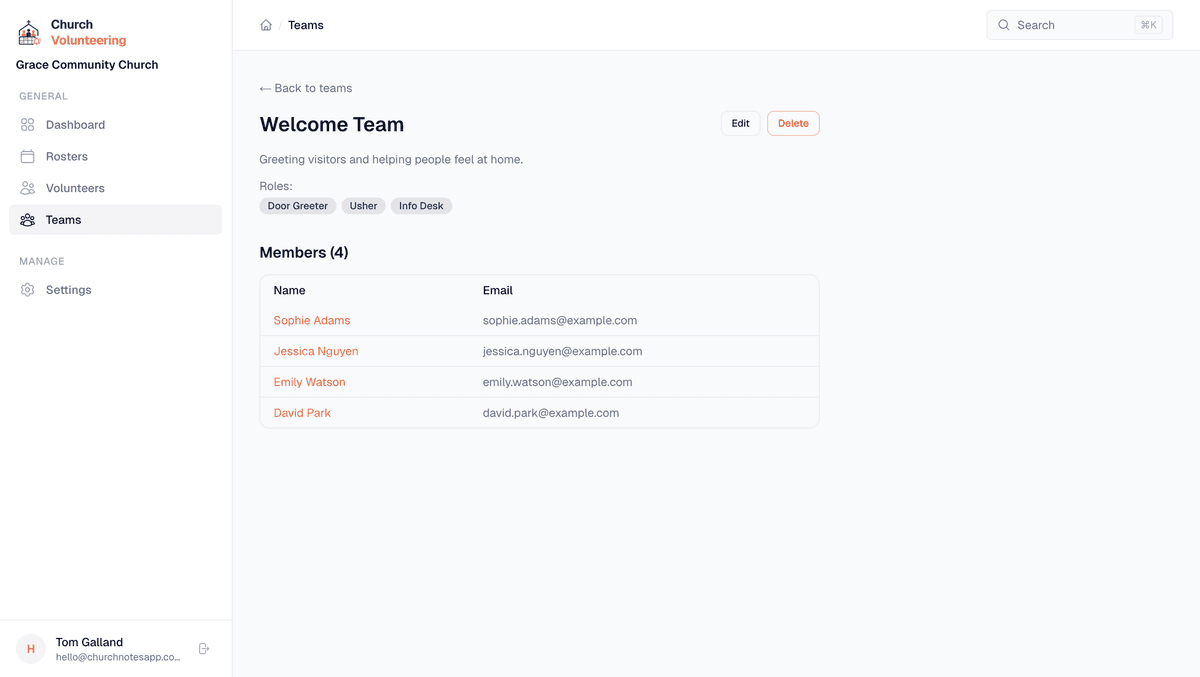
You create teams that reflect your actual ministry structure. Each team has named roles so when you build a roster, you are not just assigning people to a team. You are assigning them to a specific job. FOH Engineer on Sound Desk. Team Leader on Welcome. Helper on Kids Ministry.
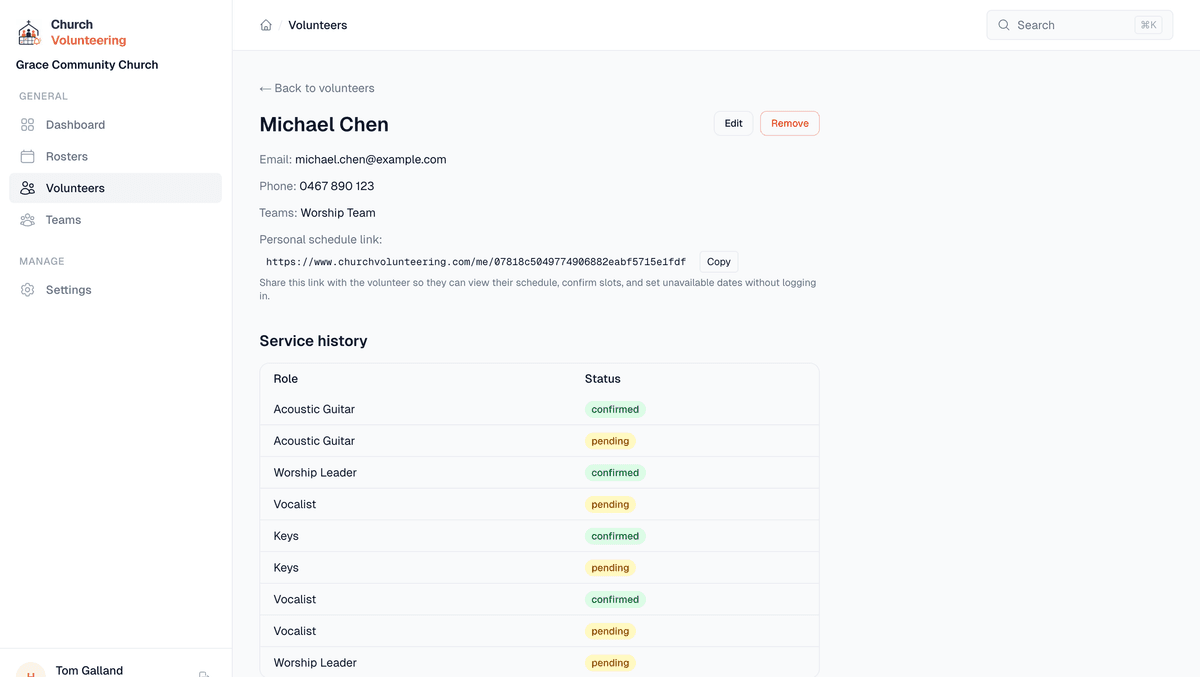
Each volunteer has a profile showing which teams they are on, how many times they have been rostered, when they last served, and their upcoming slots. This makes it easy to spread the load fairly. If someone has been on every week for a month, you can see that and give them a break.
Volunteers can set dates they are unavailable from a link in any email. When you are building a roster, unavailable volunteers are greyed out. No more accidentally rostering someone who told you three weeks ago they would be away. The system remembers even when you do not.
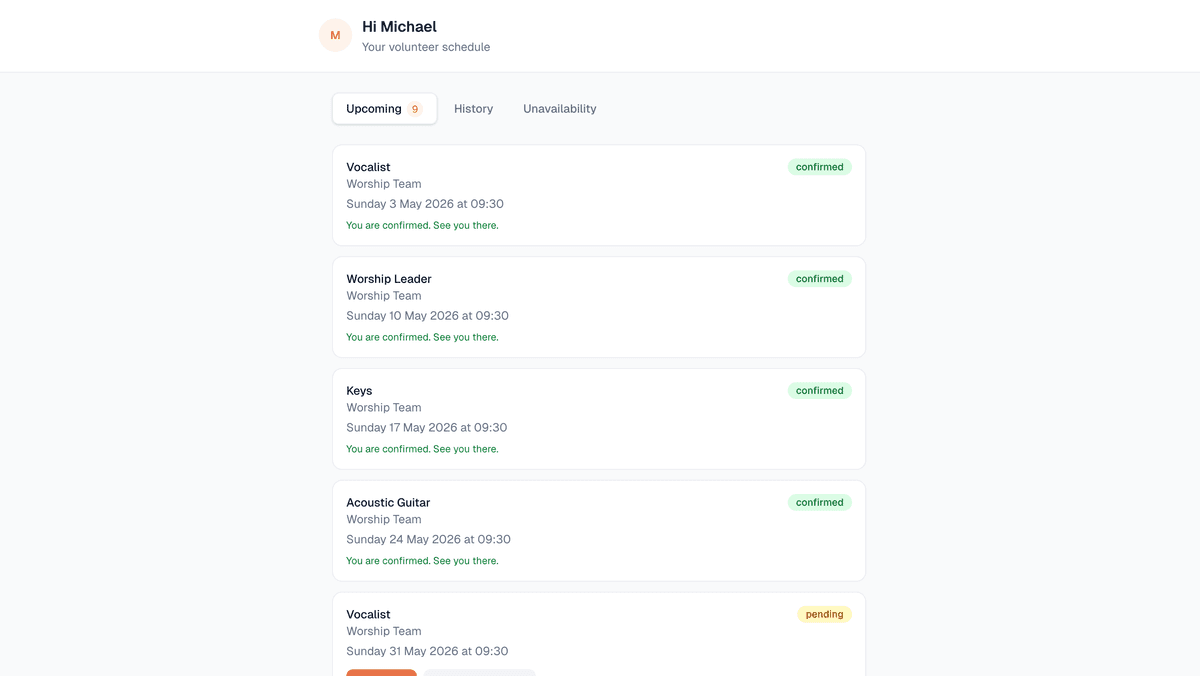
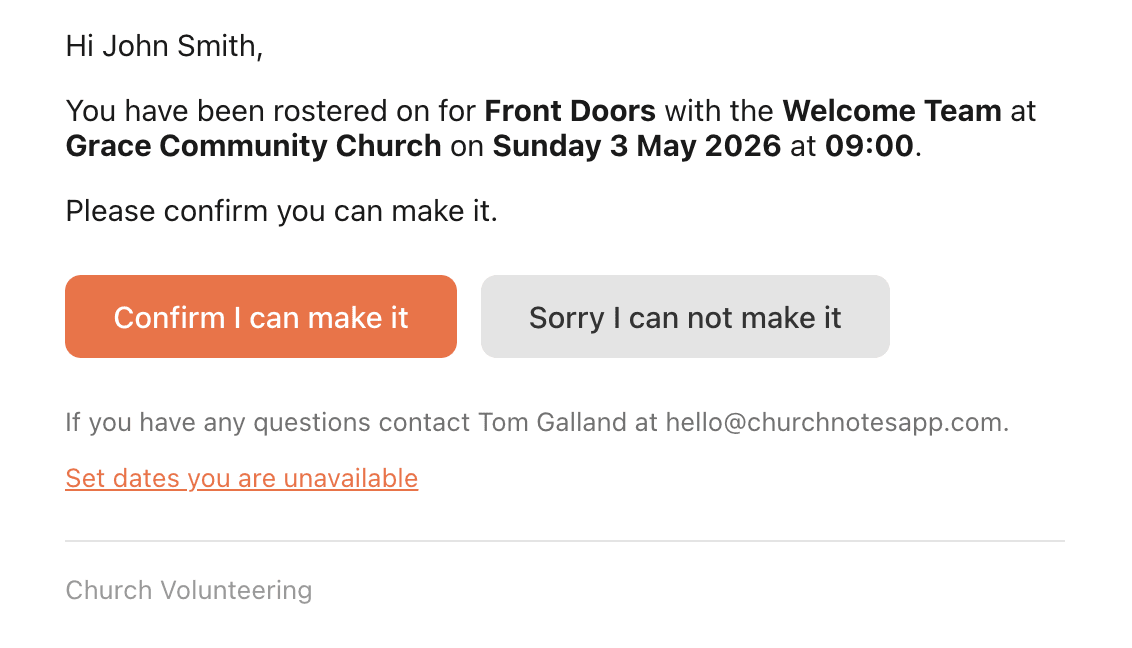
When you publish a roster, every volunteer gets a clean, simple email. It tells them their role, the date, the time, and gives them two buttons: confirm and decline. That is it. No app to download. No account to create. No password to remember.
This matters because your volunteers range from teenagers to retirees. Some are comfortable with technology, some are not. The confirm/decline flow works for everyone because it is just an email with two buttons.
Reminders go out automatically at 3 days and 1 day before the service. If someone declines, you get notified. If they confirm, it shows on your dashboard. The whole back-and-forth of "are you still coming on Sunday?" just goes away.
The free plan gives you one team and up to 10 volunteers. That is enough for a small church with a single ministry team. You can build rosters and send manual reminders at no cost.
The Standard plan is $12 a month and unlocks unlimited teams, unlimited volunteers, and automated reminders. For most churches, this is the one. The Church plan at $29 a month adds multiple admins, SMS reminders, and priority support for larger churches.
Set up your church, add your volunteers, and build your first roster today. Free to start.
